Deploy Activepieces in Production: Docker Compose Guide
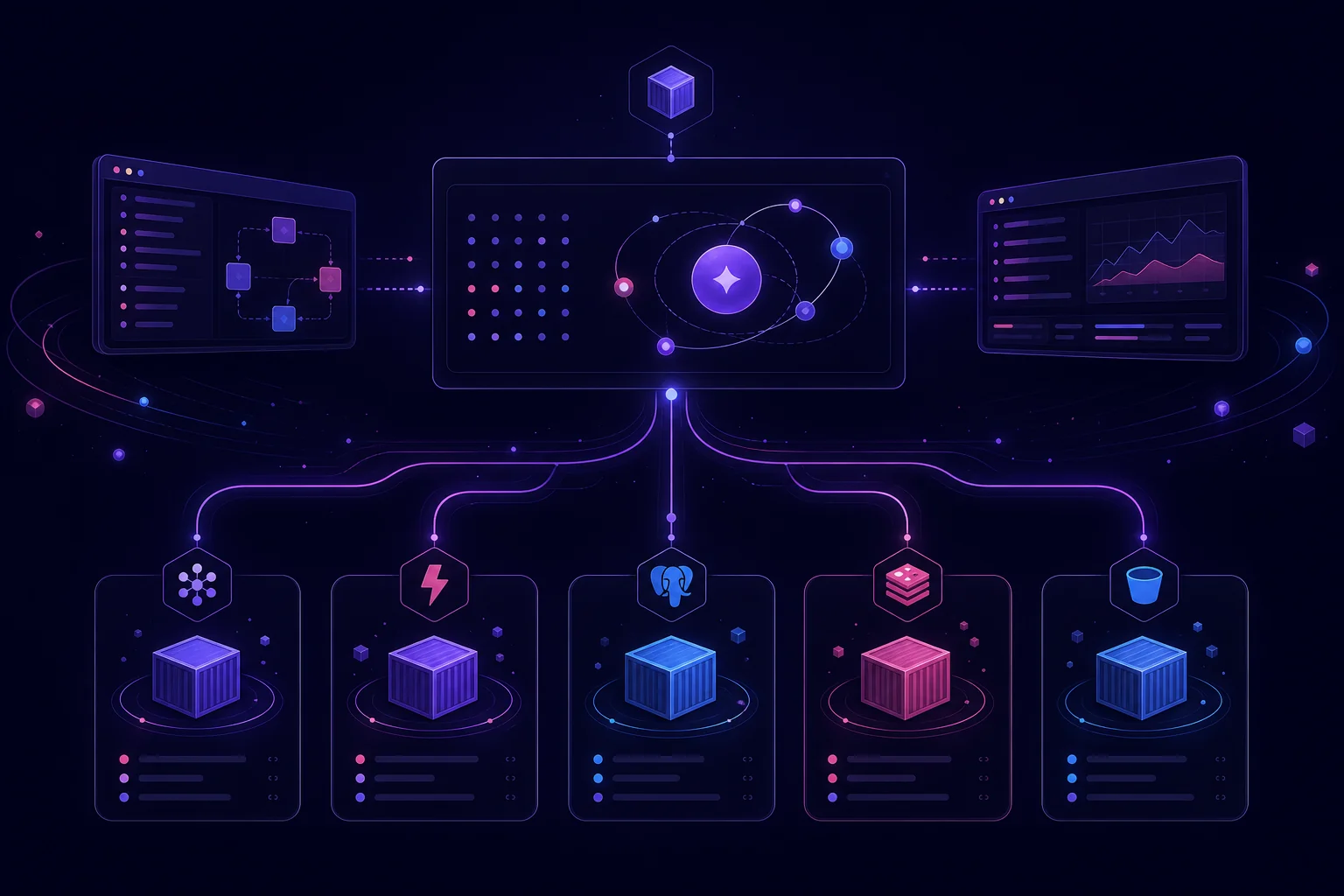
Deploying Activepieces is easy. Operating it safely is the real task. A production installation needs durable data, recoverable encryption keys, public webhooks, isolated backend services, and enough workers for peak concurrency.
This guide walks through the recommended Docker Compose architecture. You will configure PostgreSQL, Redis, app and worker containers, S3 storage, health checks, backups, and capacity planning. The goal is a deployment you can reproduce, upgrade, and recover—not just a container that starts once.
1. Choose the Activepieces deployment architecture and prepare the host
Activepieces recommends Docker Compose with PostgreSQL and Redis for self-hosting. Kubernetes is another supported option, but it is intended for teams that already operate a cluster.
For Docker Compose, your host needs:
- Docker Compose v2
- At least 2 vCPU
- At least 4 GB of RAM
- WSL2 if you are installing from Windows
The quickest installation path is:
This is useful for bringing up the standard Compose stack. For production, treat the generated configuration as a deployment artifact. Pin versions, review environment variables, and store configuration changes in a controlled process.
The deployment should follow the same broad stages as any production service:
- Validate configuration.
- Build or pull the pinned image.
- provision persistent services.
- Deploy the app and workers.
- Run health checks.
- Roll back if verification fails.
See how a GitHub-to-production deployment pipeline works for a deeper breakdown of those stages.
Start with one host if your workload is small. Keep PostgreSQL and Redis behind private networking, expose only the application endpoint, and design the installation so you can separate workers later.
2. Install Activepieces and build a reproducible .env configuration
The manual Docker Compose setup uses:
The deployment script copies .env.example to .env, then populates passwords and keys. It requires openssl.
Check for that dependency before running it:
This check matters because the script can report success without openssl while leaving secret values empty.
Before starting the stack, verify that these required variables are present:
required_vars=(
  AP_ENCRYPTION_KEY
  AP_JWT_SECRET
  AP_POSTGRES_PASSWORD
)

set -a
. ./.env
set +a

for name in "${required_vars[@]}"; do
  if [ -z "${!name:-}" ]; then
    echo "Missing required variable: $name"
    exit 1
  fi
done
Your .env should also pin the Activepieces release:
Do not silently track an unpinned image in production. A pinned AP_VERSION makes upgrades explicit and gives you a known rollback target.
For the Enterprise edition, add:
The UNSANDBOXED value supplied by .env.example is rejected when the Enterprise edition starts. Change it before deployment.
Treat .env as sensitive runtime configuration. Do not commit it to source control. Keep a protected backup because it contains the key required to decrypt stored connections.
3. Separate the app and workers without breaking execution
The standard Compose deployment creates four containers:
appserves the API and web interface on port8080.workerexecutes flows.postgresstores flows, executions, and connections.redisholds the task queue.
This separation matters operationally. Incoming requests and UI traffic should not compete directly with workflow execution.
For an architecture with distinct app and worker services, configure the app with:
Configure each production worker with:
AP_CONTAINER_TYPE=WORKER
AP_FRONTEND_URL=https://your-instance-url
AP_WORKER_TOKEN=<generated-worker-token>
Generate the worker token using the supported Activepieces procedure. Store it through the same secret-management path as your other credentials.
For local Docker Compose networking, the worker must be able to reach the app by its Compose service name:
Without that override, the worker cannot open its socket and the Workers page remains empty.
Separated workers communicate through the app. They do not need direct PostgreSQL or Redis credentials. That reduces the number of components holding backend credentials and makes it easier to place workers on separate compute instances.
When migrating from a combined container:
- Back up PostgreSQL and
.env. - Set the existing container to
AP_CONTAINER_TYPE=APP. - Create workers with
AP_CONTAINER_TYPE=WORKER. - Give workers the public app URL and worker token.
- Confirm that workers appear before sending production traffic.
4. Make persistence, secrets, and public webhooks production-safe
Activepieces secrets are written to activepieces/.env. Back up this file securely.
The most important value is AP_ENCRYPTION_KEY. If you lose it, Activepieces cannot decrypt stored connections, even if you restore a complete PostgreSQL backup. A database dump without the matching encryption key is therefore not a complete recovery plan.
The application data is not stored only in the activepieces project directory. Flows and related database records live in the Docker volume named postgres_data. Copying the project directory alone does not back up your flows.
For incoming webhooks, set:
This must resolve to a public URL that third-party services can reach. A tunnel such as ngrok is suitable for testing, but the Activepieces documentation does not recommend it for production.
Use this production exposure checklist:
- Create a dedicated DNS record.
- Terminate TLS at a reverse proxy or load balancer.
- Preserve WebSocket connections through the proxy.
- Forward traffic to the app rather than directly to workers.
- Expose only the required public ports.
- Keep PostgreSQL and Redis on private networks.
- Restrict administrative access to trusted operators.
- Store secrets outside the container image.
- Plan secret rotation before an incident.
- Give object storage only the permissions the deployment needs.
Test webhooks from the actual external service. A successful request from the host itself does not prove that DNS, TLS, proxy routing, or firewall rules work from the public internet.
For more on validation, queues, deduplication, and callbacks, read this event-driven webhook architecture guide.
5. Add S3 storage, verify health, and create a tested recovery plan
The recommended production architecture uses S3 object storage in the same region as the app, workers, PostgreSQL, and Redis.
Enable it with:
Before deployment, prepare the storage path:
- Choose a bucket in the deployment region.
- Use access keys or a workload identity supported by your environment.
- Grant only the required bucket and object operations.
- Enable storage-side encryption.
- Define lifecycle rules that match your retention policy.
- Test both upload and retrieval from the running application.
After starting the stack, inspect all services:
The four containers should report Up. Then query the application health endpoint:
A complete backup set should include:
- A PostgreSQL dump
- A protected copy of
.env - The S3 objects and required storage configuration
Before an upgrade, create the documented database dump:
Then change the pinned AP_VERSION in .env and deploy the new version.
Do not stop at creating backup files. Run a restore drill in an isolated environment. Restore PostgreSQL, supply the original encryption key, reconnect object storage, start the stack, and confirm that flows and stored connections are usable.
This is the same principle used in reliable data pipeline automation: recovery must be exercised, not assumed.
6. Dimension workers, respect limits, and operate the system at scale
Size Activepieces by peak concurrent flows, not only by trigger rate.
The documented model is:
At concurrency 1, the recommended baseline is:
- Each worker:
0.5vCPU and1 GBRAM - Each app:
1vCPU and1 GBRAM - One app per ten workers
For 50 simultaneous flows, the documented example uses:
50workers consuming25vCPU and50 GBRAM5app instances consuming5vCPU and5 GBRAM
Use the benchmark-aligned worker configuration:
AP_WORKER_CONCURRENCY=1
AP_REUSE_SANDBOX=true
AP_EXECUTION_MODE=SANDBOX_CODE_ONLY
AP_FILE_STORAGE_LOCATION=S3
AP_S3_USE_SIGNED_URLS=true
Excess flows wait in Redis until worker capacity becomes available. That protects the workers, but it also increases end-to-end latency.
Activepieces recommends static capacity for expected webhook peaks. Autoscaling startup and scheduling delays cannot reliably fit within the 30-second synchronous webhook response budget.
Account for the documented operating limits:
| Resource | Limit |
|---|---|
| Flow execution | 600 seconds |
| Action execution | 600 seconds |
| Synchronous webhook response | 30 seconds |
| Webhook payload | 25 MB |
| File | 25 MB |
| Execution log | 50 MB |
| Storage value | 512 KB |
Long-running work should avoid depending on a synchronous webhook response. Accept the event, queue the flow, and return a response within the available budget when the integration permits that pattern.
Monitor at least:
- Redis queue depth
- Available and connected workers
- Execution failures
- Webhook response latency
- PostgreSQL availability
- S3 request errors
- CPU and memory saturation
Worker Groups need a different execution setting:
They reject SANDBOX_CODE_ONLY. Keep that distinction in environment-specific configuration rather than changing it manually during deployment.
Conclusion
A production Activepieces deployment is more than a Compose command. Pin the application version. Validate every required secret. Preserve AP_ENCRYPTION_KEY. Back up PostgreSQL and S3. Expose webhooks through HTTPS. Then size workers from peak concurrency and watch the Redis queue.
Docker Compose is a practical starting point when you want direct control over the platform. As your workflows grow, the same operating concerns apply to custom agents and scheduled jobs: reproducible releases, isolated secrets, durable state, health checks, and tested recovery. Those are also the boundaries where managed job hosting can reduce infrastructure work without changing your application logic.