Railway Sandboxes: Isolated Agent Code Execution
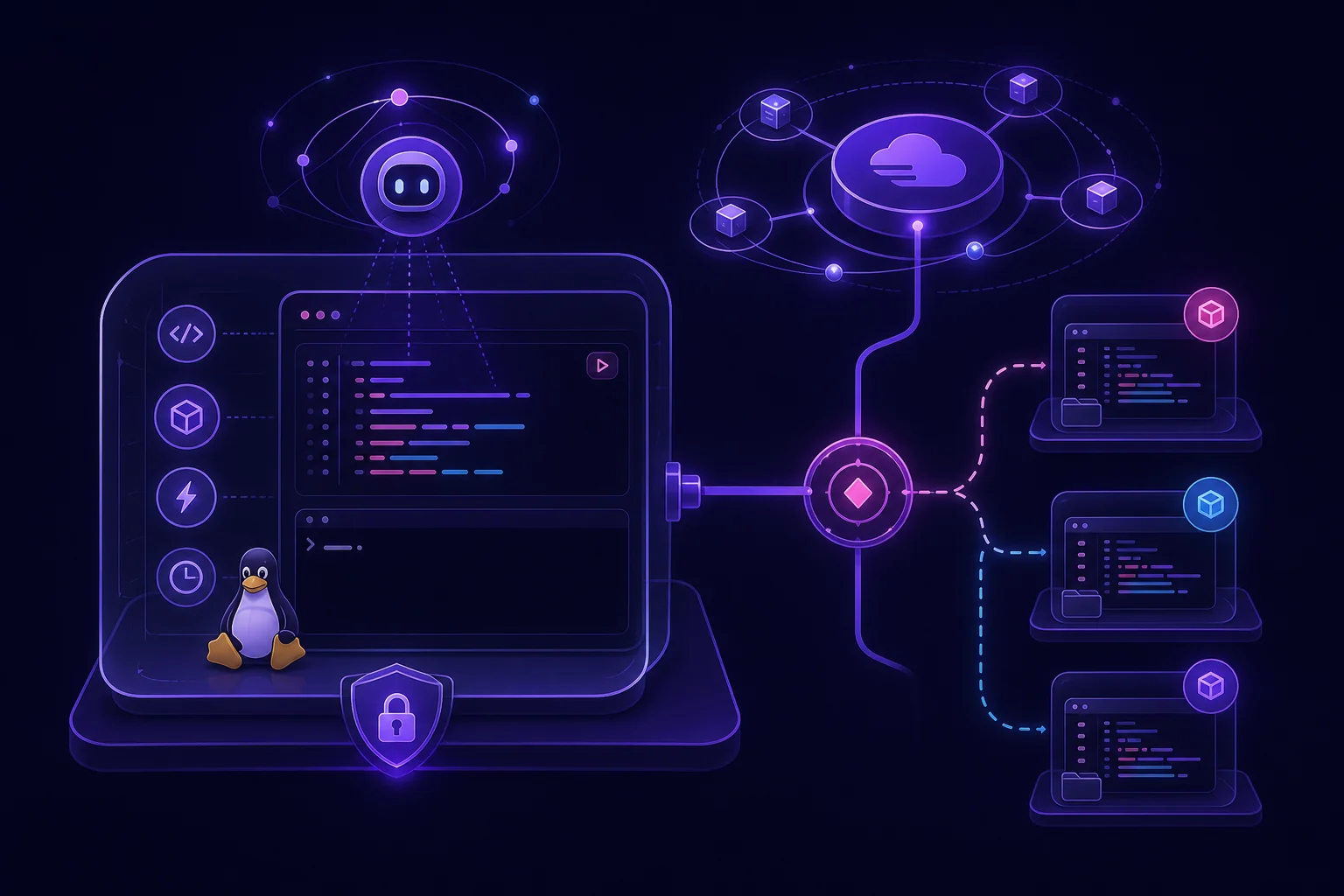
Generated code needs more than a temporary directory. It may install packages, invoke a shell, modify files, or start child processes. Running it beside your agent API puts credentials and application data within reach.
Railway Sandboxes provide on-demand, isolated Linux virtual machines for this workload. You can prepare an environment, run commands, verify the result, and destroy the machine. The hard part is designing the boundary and lifecycle correctly.
What Are Railway Sandboxes and When Should Agents Use Them?
According to the Railway Sandboxes documentation, a sandbox is an isolated Linux virtual machine created on demand. Your application can execute commands inside it and destroy it when the work is complete.
This model fits agents that need filesystem or shell access. Common tasks include:
- Installing project dependencies.
- Editing or generating source files.
- Running tests against generated code.
- Building an application or package.
- Executing code that you do not want inside the agent process.
- Creating disposable development environments.
The standard image is based on Ubuntu. It includes Git, Node, and common coding agents. Railway exposes sandboxes through its TypeScript SDK, CLI, and dashboard. The documentation says they are available across Railway plans.
A sandbox should be an execution worker, not the agent’s durable memory. Keep the agent loop, job state, approvals, and final results outside it. Send a bounded task into the sandbox. Retrieve explicit artifacts. Then remove the runtime.
That separation also applies to compound systems. The model, orchestrator, tools, and code executor do not need to share a process. See this architecture for compound AI systems with isolated agent jobs for the broader pattern.
Use a sandbox when the task needs a real shell or mutable workspace. Do not add one merely to call an API or transform JSON. Isolation adds lifecycle, logging, and cost concerns that a normal job may not need.
Design the Sandbox Boundary: Filesystem, Network, Secrets, and Permissions
A virtual machine boundary is useful, but it does not define your full security policy.
Each Railway sandbox belongs to a Railway environment. It can join the same private network as services and databases in that environment. That makes integration convenient. It also means generated code may be able to reach internal systems if you expose them without additional controls.
Start with a separate Railway environment for sandbox workloads. Avoid placing generated code in an environment that contains production credentials or unrestricted database access.
Treat every input as untrusted:
- Agent-generated source code.
- Repository contents.
- Package installation scripts.
- Shell commands assembled from model output.
- Files downloaded during execution.
Pass only the credentials required for the current task. Prefer scoped and short-lived credentials where your upstream service supports them. Do not copy your agent service’s complete environment into the sandbox.
Network access needs the same care. Use an allowlist when the job only needs a known package registry, source repository, or internal service. If unrestricted egress is unavoidable, record outbound destinations and treat every returned artifact as untrusted.
Use a dedicated working directory. Collect results from an explicit output path rather than copying the entire filesystem. Reject unexpected file types, oversized artifacts, and symbolic links that escape the output directory.
Finally, destruction is part of the boundary. Run cleanup after success, command failure, timeout, or orchestrator cancellation. The CrewAI sandbox execution guide covers practical egress, trusted-output, and cleanup patterns that also apply here.
Build a Reproducible Sandbox Template with the TypeScript SDK
Railway documents Sandbox.create() as the creation entry point. Once the promise resolves, you can control the sandbox with exec.
Keep the SDK layer small. Its job is to create the runtime, execute a deterministic bootstrap script, capture output, and trigger cleanup. Do not bury business logic inside a long sequence of dynamically generated shell commands.
The exact import and creation arguments should match the current Railway SDK documentation and your environment configuration. The core flow looks like this:
const sandbox = await Sandbox.create(/* Railway environment options */);

const result = await sandbox.exec(`
  bash /workspace/bootstrap.sh
`);

if (!result) {
  throw new Error("Sandbox bootstrap did not return a result");
}
Make the bootstrap script part of your repository. This gives you a reviewable and repeatable environment definition:
#!/usr/bin/env bash
set -euo pipefail

cd /workspace/task

test -f package.json
test -f package-lock.json

npm ci --ignore-scripts
npm test
npm run build

mkdir -p /workspace/output
cp -R dist /workspace/output/dist
This script uses the committed lockfile rather than asking the agent to choose dependency versions. Disabling package lifecycle scripts can reduce exposure during installation, although some projects require them. Make that choice in the trusted template, not in generated code.
Record the runtime inputs with every job:
{
  "job_id": "${JOB_ID}",
  "source_revision": "${SOURCE_REVISION}",
  "template_revision": "${TEMPLATE_REVISION}",
  "task_digest": "${TASK_DIGEST}"
}
These are identifiers, not mutable agent notes. They let you reproduce which source, template, and task produced an artifact.
Use the dashboard or CLI while developing the template. Move normal production execution into the SDK so lifecycle handling remains part of your application rather than an operator checklist.
Use Checkpoints and Forks for Repeatable Agent Jobs
Railway recommends this lifecycle:
create → configure → checkpoint → create/fork → verify → destroy
First, create a clean sandbox. Configure trusted tools and dependencies. Then save that prepared environment as a checkpoint. Later jobs can start or fork isolated copies from the prepared state rather than rebuilding the workspace each time.
The distinction matters:
- A template defines the reproducible configuration.
- A checkpoint captures a named, startable disk state.
- A fork branches a workspace into an isolated copy.
Railway documents creating multiple isolated copies from a prepared environment. Northflank’s comparison also describes checkpoints as named disk states and forks as branches of a running workspace.
A practical workflow is:
trusted template
    |
configure dependencies
    |
checkpoint
    |
    +--> fork for generated patch
    |
    +--> fork for alternate patch
    |
    +--> fork for regression verification
Do not assume that every part of runtime state belongs in the checkpoint. Keep secrets, job identity, deadlines, and agent-specific input outside the reusable disk image. Inject them when starting the job.
Document what your own template expects to persist. For example, the checkpoint may contain package caches and installed tools, while each fork receives fresh source input and writes to a dedicated output directory. Verify those assumptions with an automated smoke test whenever the template changes.
Destroy failed forks as aggressively as successful ones. A failed test is a result, not a reason to retain an idle machine indefinitely.
Control Resources, Timeouts, Failures, and Cost
The supplied Railway documentation does not state specific CPU, memory, disk, concurrency, image-size, or total-runtime limits. Confirm those values against your current Railway plan before defining production capacity.
Northflank reports a maximum inactivity period of 120 minutes for Railway Hobby and Pro sandboxes. It also reports that allocated CPU and memory are billed throughout the sandbox runtime, including idle periods, with egress billed as well. Treat those details as third-party reporting and verify them before using them in a cost model.
Your orchestrator should enforce limits that are stricter than provider maximums:
- A deadline for the complete job.
- A timeout for each command.
- Cancellation of child processes after failure.
- A bounded retry policy.
- A maximum artifact policy.
- Cleanup in a
finallypath. - Admission control for concurrent jobs.
Retries require care. Re-running generated code inside a dirty workspace can produce a different result. Prefer a fresh fork from the trusted checkpoint for each attempt. Use a stable job ID to prevent duplicate artifact publication or repeated writes to external services.
Emit structured events around every operation:
{
  "event": "sandbox_command_finished",
  "job_id": "${JOB_ID}",
  "command": "npm test",
  "status": "${STATUS}",
  "sandbox_ref": "${SANDBOX_REF}"
}
Track creation, command start, command completion, verification, artifact collection, and destruction. Associate usage and cost metadata with the same job ID. Idle runtimes then become visible rather than disappearing into an aggregate cloud bill.
End-to-End Deployment Example and Production Checklist
A production flow should keep the trusted orchestration path separate from generated code:
agent request
  → validate task and derive idempotent job ID
  → create sandbox from the Railway environment
  → configure trusted template
  → create or select checkpoint
  → fork isolated workspace
  → copy bounded task input
  → execute generated code
  → run trusted tests
  → collect approved artifacts
  → emit structured result
  → destroy sandbox
The verification command must come from your trusted repository. Do not let the agent redefine the test that decides whether its own output passes.
Store the final status outside the sandbox before cleanup. That status should distinguish infrastructure failure, command failure, test failure, cancellation, and successful artifact publication. This makes recovery deterministic.
Railway’s dashboard can list, create, and destroy sandboxes. It can also open an SSH connection to a running sandbox. SSH is useful for debugging a failed template or an unexpected build. It should not become the normal recovery mechanism. Fix the template, checkpoint, or task contract so the next run succeeds without manual intervention.
Before shipping, verify the following:
- Generated code receives no production credentials.
- Private-network access is limited to required services.
- Dependency installation uses reviewed lockfiles.
- Commands have orchestrator-enforced deadlines.
- Retries start from a known checkpoint.
- Logs include the job, template, source, and sandbox identifiers.
- Artifacts come from an explicit output directory.
- Cleanup runs after every terminal state.
- Idle sandboxes are detectable.
- Operators can inspect a live failure through the dashboard or SSH.
- Job state survives sandbox destruction.
For durable orchestration outside the execution VM, the LangGraph production deployment guide explains persistent checkpoints and recovery patterns.
Conclusion
Railway Sandboxes give agents an isolated Linux runtime with shell and filesystem access. The useful production pattern is not simply “create a VM and run the model’s command.” It is a controlled lifecycle: prepare trusted state, checkpoint it, fork disposable workspaces, verify with trusted tests, collect narrow outputs, and always destroy the runtime.
Keep durable state and scheduling in your agent platform. Use the sandbox only for bounded execution. That division makes generated-code workflows easier to reproduce, inspect, and operate without turning your main agent service into an unrestricted shell.